Temperature Mug 2
Use keyboard buttons arrow right and arrow left to change current slide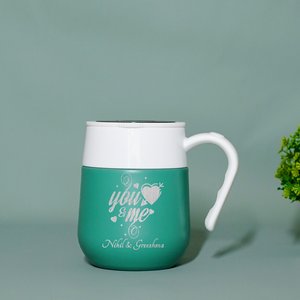
Product Description | About
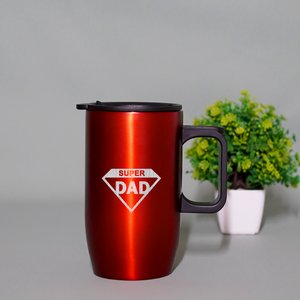
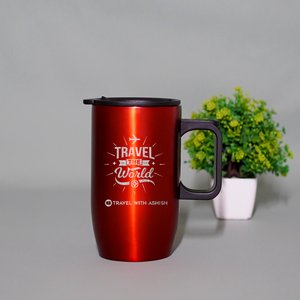
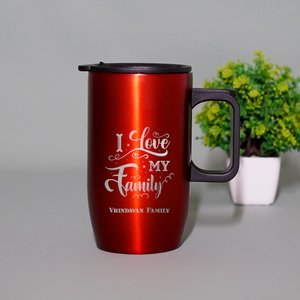
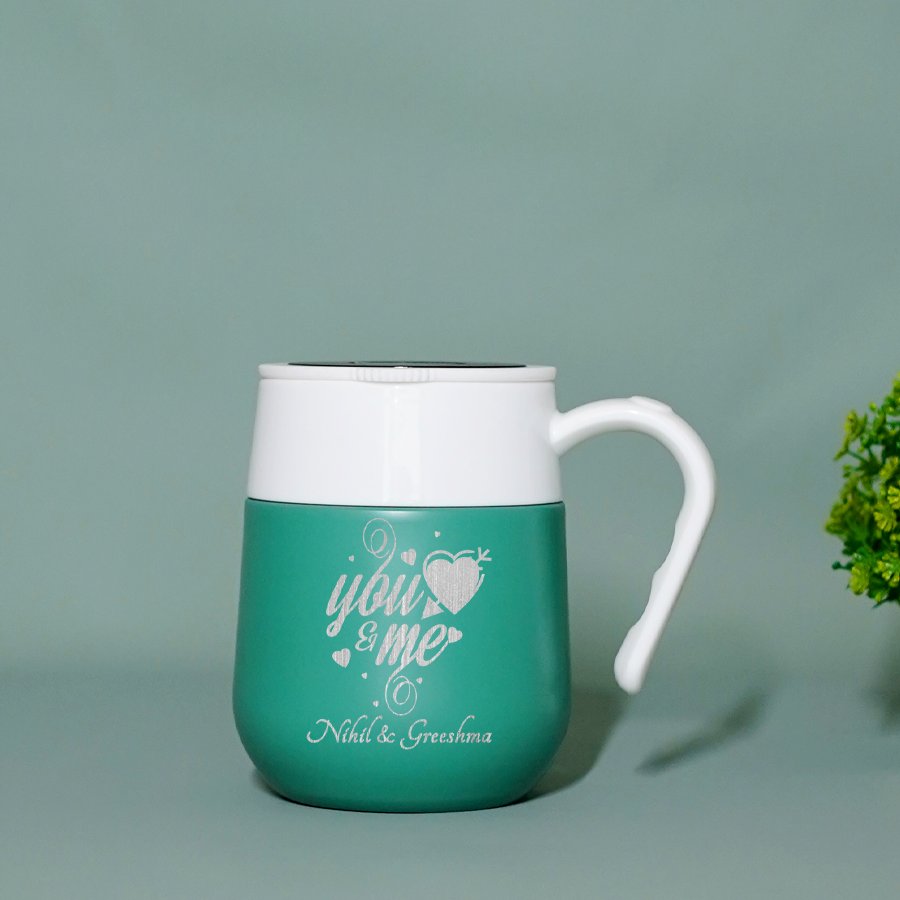
Customized Vacuum Mug will keep your drinks fresh and stylishly showcase your personality or brand. Elevate your sipping experience and make every moment memorable with this mug. Conveniently designed to hold your drink and the handles are perfect for a cozy grip. The vacuum flask ensures that beverages stay hot or cold for an extended period, making it a practical and functional gift choice. You have the choice of engraving your name on this and hence remembering to have your daily intake of water every day.
₹ 0.00

Shipping & Delivery Policy
Learn more
T&C applies
Product Details
SKU
DWTM2310
Brand
INDOT Photo Gifts
Product Type
Drinkware
Material
Stainless Steel
Color
Light Green
Print
Laser Engraved
Capacity
400 ml
Special Features
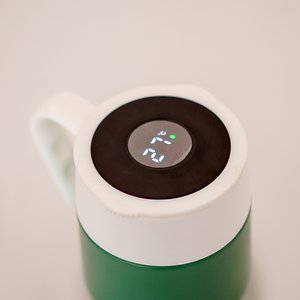
Keeps hot or cold, LED Display
Weight
200 Grams
Size
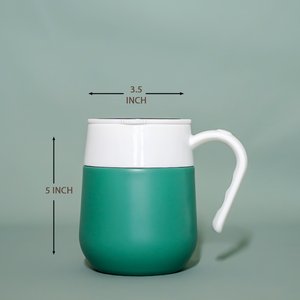
5 inch x 3.5 inch
SKU
DWTM2310
Brand
INDOT Photo Gifts
Product Type
Drinkware
Material
Stainless Steel
Color
Light Green
Print
Laser Engraved
Capacity
400 ml
Special Features
Keeps hot or cold, LED Display
Weight
200 Grams
Size
5 inch x 3.5 inch
Product Making Description
How Can We
Making Note
- Start Creating, The first step is to select a photograph that you’d like to use on your Drinkware gift.
- Once you've selected your photo, it's time to upload it to the website you're using to create your drinkware gift. Most services offer an easy-to-use interface that allows you to crop and resize the photo as needed.
- Add your text, cliparts, layout, mask, If you’re using a template, this is the time to add your text. Most templates include spaces for names, dates, or other custom text. You can also add text directly to a custom design.
- Preview and order Once you’ve finished designing your drinkware gift, be sure to preview it so that you can make sure everything looks perfect. When you’re happy with the results, click “order” and wait for your drinkware gift to arrive!
Making Video
Making Video
Related Products
Create Personalized Drinkwares